DVDStyler - DVD Creator & Authoring Software | CD DVD Burner Burning for
WindowsUSD $14.99
Condition : Brand New
Free Shipping

Notify me when the price drops
We will email you if we find a lower price on this product!
No Subscription. No Roxio Required.
DVDStyler v3.2.1 & AnyBurn v6.2 -- Full Versions on CD-ROM -- Windows 7, 8, 10 & 11
✓ No Subscription ✓ 2 Software Titles ✓ 205-Page AnyBurn Manual PDF ✓ Safe Offline Install ✓ 30-Day ReturnsEverything you need to turn your videos into a professional DVD -- complete with custom menus, chapter selection, and a polished look -- plus a full disc burning tool to get it onto disc. DVDStyler handles the DVD creation and menu design. AnyBurn handles the burning. Both full versions on a single CD-ROM, installed offline with step-by-step guides and user manuals included.
Software 1: DVDStyler v3.2.1 -- DVD Authoring & Menu CreationDVDStyler lets you take your MP4, AVI, or other video files and turn them into a proper DVD with custom menus, chapter navigation, subtitles, and multiple audio tracks -- the kind of polished result you'd expect from professional DVD authoring software, without the subscription fees.
- Custom DVD Menus -- Design menus with backgrounds, buttons, and text using built-in templates or your own layout
- Chapter Navigation -- Add chapter points so viewers can jump to specific sections of your video
- Multi-Format Video Import -- Add MP4, AVI, MPEG, MOV, and other formats without converting first
- Subtitles & Multiple Audio Tracks -- Add subtitle tracks and alternate audio for a professional presentation
- Standard & Widescreen Output -- Create DVDs in 4:3 or 16:9 widescreen format
AnyBurn is a full-featured disc burning tool for burning, copying, and creating disc images. Use it to burn the DVD project you create in DVDStyler, or for any other disc burning task -- data backups, ISO files, audio CDs, and more.
- Burn CD, DVD & Blu-ray -- Supports all standard disc formats
- Burn ISO & Disc Images -- Create and burn ISO files directly
- Copy Discs -- Duplicate CDs and DVDs for backup purposes
- Create Audio CDs -- Burn MP3 and other audio files to standard audio CD format
- Simple, Clean Interface -- Straightforward workflow for everyday disc burning tasks
Import your MP4 or other video files into DVDStyler, add a custom menu and chapter markers, then burn the finished project to disc with AnyBurn. The complete workflow from start to finished DVD on one CD-ROM. Create Training or Tutorial DVDs
Package your training videos, tutorials, or presentations into a DVD with a professional menu structure -- perfect for distributing content in a physical format. Archive & Back Up Video Content
Preserve your video library on physical disc. DVDs don’t require internet access, subscriptions, or cloud storage -- your content is yours permanently. Burn Any Disc Type
Use AnyBurn for data backups, ISO burning, audio CDs, disc copying, and any other burning task beyond DVD authoring. What You Will Receive:
- DVDStyler v3.2.1 full installer for Windows (on disc)
- AnyBurn v6.2 full installer for Windows (on disc)
- Step-by-step PDF installation guide with screenshots for both programs (on disc)
- DVDStyler User Manual PDF -- 34 pages (on disc)
- AnyBurn User Manual PDF -- 205 pages (on disc)
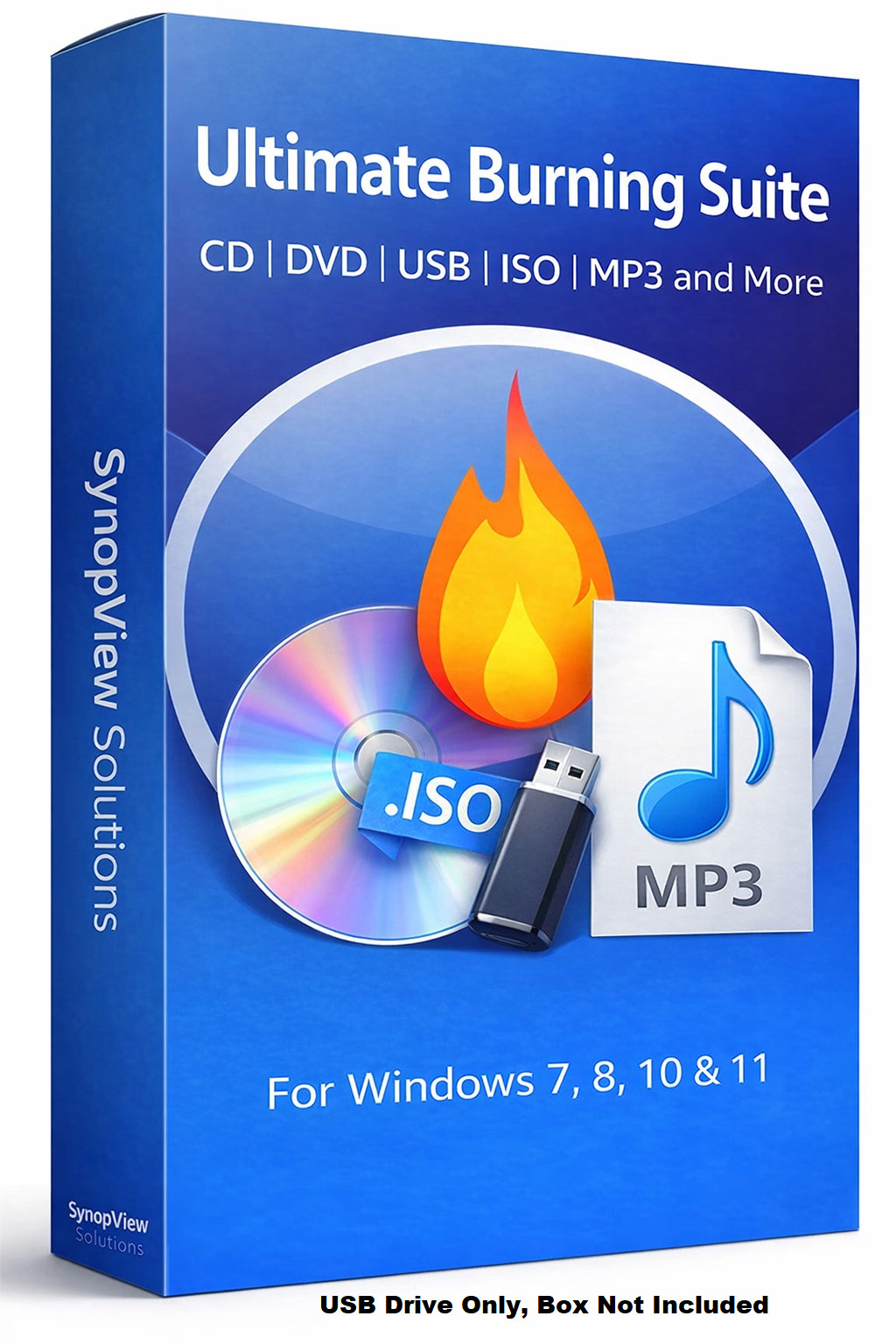
⚠ PLEASE NOTE: The software box shown in the listing photos is a product display image only. It is NOT included with your purchase. You will receive the disc only.
System Requirements:- Operating System: Windows 7, 8, 10, or 11
- Processor: 1 GHz or faster
- Memory: 2 GB RAM minimum (4 GB recommended)
- Storage: 500 MB free disk space for installation
- Drive: CD-ROM drive required for installation; CD/DVD burner required for disc burning
Note: A writable DVD drive and blank DVD media are required to burn DVDs. These are not included with this software disc.
Note: The product image is for representation only. This product comes in Bulk/Wholesale Packaging. Your item will be shipped in a 6x9 inch bubble mailer without a physical retail box. Installation instructions are included as a PDF in the main directory of the disc. The file name begins with “Read Me First”.
Hassle-Free 30-Day Returns or ExchangesWe want you to shop with confidence. If you ordered the wrong item, aren’t completely satisfied, or simply changed your mind -- no problem.
We offer a 30-day return or exchange policy, completely hassle-free. Just submit a return request through eBay’s return system, and we’ll approve it promptly.
Why Doesn’t This Come in a Retail Box?This item is brand new and professionally packaged in bulk/wholesale packaging rather than a traditional retail box. Many high-quality software products are distributed this way to reduce waste, lower shipping costs, and offer better value.
What Is Bulk/Wholesale Packaging?This is our most popular packaging type. Items are distributed in bulk to reduce costs and pass savings on to you. CDs are shipped in paper sleeves. This item does not come sealed or shrink-wrapped.
Frequently Asked Questions (FAQ) 💻 Can I install this on multiple computers?Yes. There are no limits -- install on as many compatible computers as you like. 🔑 Does this require a product key or activation?
No. Neither DVDStyler nor AnyBurn requires a product key, activation, or registration of any kind. 🎬 Can I use this to create a DVD from MP4 videos?
Yes. DVDStyler imports MP4, AVI, MPEG, MOV, and other common video formats directly without requiring you to convert them first. You can then add menus and chapters and burn the finished project to DVD using AnyBurn. 🎬 Do I need a DVD burner to use this software?
Yes. To burn a finished DVD you will need a writable DVD drive and blank DVD media. The software disc itself requires only a CD-ROM drive to install from. 💾 Can AnyBurn burn Blu-ray discs?
Yes. AnyBurn supports CD, DVD, and Blu-ray burning. A Blu-ray burner drive and blank Blu-ray media are required for Blu-ray burning. 📚 Do you include printed manuals?
Printed manuals are not included. A step-by-step PDF installation guide with screenshots, a 34-page DVDStyler User Manual PDF, and a 205-page AnyBurn User Manual PDF are all included on the disc. 📦 Does it come in a box?
No. The box shown in the images is for illustration only. You will receive the disc in a protective sleeve inside a bubble mailer. 🔁 Do I need to pay for updates?
No. Software updates are available at no charge when released. ✅ Is this software legal?
Yes. Both DVDStyler and AnyBurn are 100% legal open-source software licensed under the GNU General Public License (GPL). Both are fully authorized for distribution and use. Still have questions?
Feel free to message us -- we’re happy to help. Description of Our Services
All software and digital materials offered in our listings are sourced exclusively from open-source or public-domain repositories that are freely available online.
The price you pay does not reflect the cost of the software itself, which is available at no charge. Instead, it covers the labor involved in sourcing, organizing, testing, and preparing the files; creating instructional materials; transferring content to physical media; packaging; shipping; and associated marketplace fees.
We have been a trusted eBay seller since April 2003 -- over 22 years of delivering quality products and reliable service. We take pride in delivering a convenient, ready-to-use product that saves you time and provides long-term value.
LICENSE AND DISCLAIMER INFORMATIONRogers Ebooks and Software is the creator of this software package and its UPC code. All software included is open source. Rogers Ebooks and Software is authorized to distribute this software under the GNU General Public License (GPL).
THE SOFTWARE IS PROVIDED “AS IS”, WITHOUT WARRANTY OF ANY KIND, EXPRESS OR IMPLIED, INCLUDING BUT NOT LIMITED TO THE WARRANTIES OF MERCHANTABILITY, FITNESS FOR A PARTICULAR PURPOSE AND NONINFRINGEMENT. IN NO EVENT SHALL THE AUTHORS OR COPYRIGHT HOLDERS BE LIABLE FOR ANY CLAIM, DAMAGES OR OTHER LIABILITY.






 .
.
